Flame Features menu is displayed by clicking on the three horizontal lines that are located in the upper right corner and which is called Main menu.

This menu is formed by the features of the product and each client will be able to see only the modules that they have purchased:
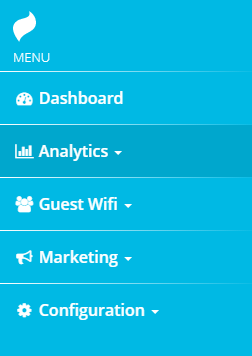
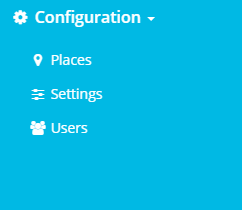
Also, in this menu you have Flame Settings options:
Was this article helpful?
That’s Great!
Thank you for your feedback
Sorry! We couldn't be helpful
Thank you for your feedback
Feedback sent
We appreciate your effort and will try to fix the article